Esta página também está disponível em português.Ver em português

For developers · app or SaaS already live

Paste your app link. Get the ad.

Paste your App Store, Play Store or SaaS landing page link and get the finished video ad, with no editor and no agency.

See the demo

Script and preview for free. To generate, your first month is 50% off.

OutputEN-US
An ad generated by Ads Factory from a product setup, with no manual editing.

Scene 01The bottleneck

The app is in the store. Nobody saw it.

You solved the hard part — the product exists and works. What is missing is the video that makes someone stop scrolling and install.

  1. You shipped, posted the screenshot and the chart stayed flat

    Without a video ad, the app depends on whoever stumbles on it in the store. The LinkedIn and X post reaches the people who already know you — and they already installed it.

  2. Editors and agencies cost what you do not have

    You ask a freelancer or an agency for a quote, and the price of the video arrives before you spend a single dollar on media. You want to test five hooks, not commission one.

  3. AI tools ask for a full form and hand you an avatar

    You try an ad generator and it asks for a huge form, or draws a screen your app does not have. You feel like quitting at the third field — or publishing something that looks fake.

Scene 02Live

Change the app name. The ad rebuilds on the spot.

This is not a recorded video: it is the engine that builds your ad, running right now in your browser. Pick an app, change the name, the pain and the color — and turn the sound on to hear the track that marks every cut.

Pick a business
Live preview

Starting the engine…

It becomes the question that opens the ad.

Brand color
Style

Made-up businesses, drawn live by the same engine that renders the final video. Your ad uses your screens, your photos, your numbers and, if you want one, a voice.

Make my app's ad

Scene 03Golden rule

Nothing here is made up

AI video generators draw interfaces, invent numbers and promise what the product does not do. Here, three rules do not bend.

  1. Your screen is your screen.

    The screenshot you upload goes into the video exactly as it is. An interface drawn by AI — a button you do not have, an app that does not exist — never.

  2. Your numbers are your numbers.

    A motion ad only shows numbers you registered. When a fact is missing, the script asks; “I do not have that” counts as an answer, and the scene adapts.

  3. You see it before you pay.

    The motion script is built for free, scene by scene. You adjust it, fill in the gaps and only then generate — that is when the credit is spent.

A frame from a real ad

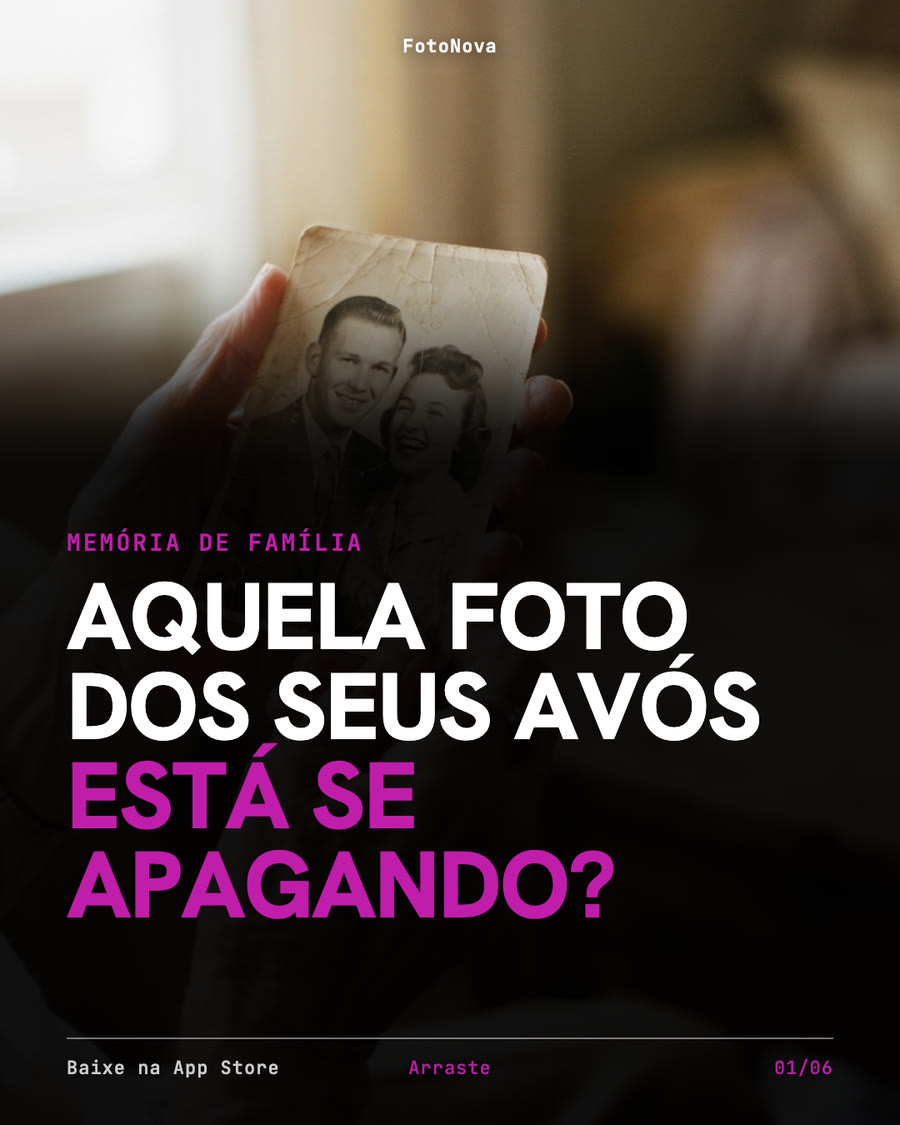
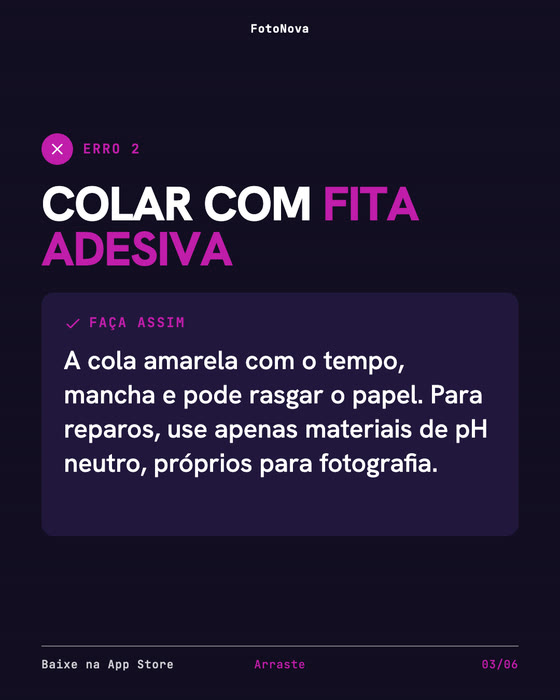
A frame from an ad generated here: the screen inside the video is the screenshot its owner uploaded, with their own numbers on it.

Scene 04How it works

A production line that asks before it invents

You set it up once. Every ad and every post after that comes from it.

  1. Step 1 · Setup

    Paste the link

    The setup arrives with the name, description, logo and colors. You check it and upload the app screens.

  2. Step 2 · Script

    Review the script

    In the motion ad, you sign in with Google and see, for free, what each scene shows and what the voice says. When a detail is missing, it asks instead of making it up.

  3. Step 3 · Delivery

    Get the video

    Subscribe, generate it and download the MP4, ready to upload to your campaign.

From clicking generate to a finished MP4: minutes, not days.

Scene 05Three formats

One setup, three formats

A campaign does not live on a single kind of creative. One setup feeds all three.

Motion · new

Motion ad

The whole video drawn from your own data: the headline, your screen, what the product does and the end card, in kinetic type cut to the beat of a track made for it.

  • A script you review before generating
  • Only numbers you registered
  • Its own soundtrack; a voice, if you want one
  • A composition that changes from one ad to the next
Video

Video with scenes

10 to 20 seconds, with video scenes, voice-over, burned-in captions, a call to action and an end card. The format Reels, TikTok, Shorts and Meta Ads ask for.

  • Generated, synced voice-over
  • Burned-in captions, readable on mute
  • Your real screenshot composited in
  • English, Portuguese and Spanish

Static

Posts and carousels

Up to 10 pages, with the surface tinted by your brand color. Layout and contrast decided by measured rules, not by the model guessing.

  • Carousels up to 10 pages
  • Contrast checked page by page
  • Drag-and-drop editor with undo
  • PNG ready to publish

Control

The last call is yours

Nothing here is a black box. Swap the look of a scene, drag the call to action where it belongs, trim a scene that ran long, rewrite the caption. What you see on screen is exactly what lands in the file.

  • Swap the look of each scene
  • Drag and resize any element
  • Trim, stretch and hide scenes
  • Swap the music, rewrite the caption
  • Undo and redo with ⌘Z
  • Export without leaving the browser

The editor is included in paid plans.

Three languages from one ad

Ask for English, Portuguese and Spanish at once. Each language gets its own voice-over — not subtitles translated over a voice in another language.

Scene 06Made here

Three software products, five ads

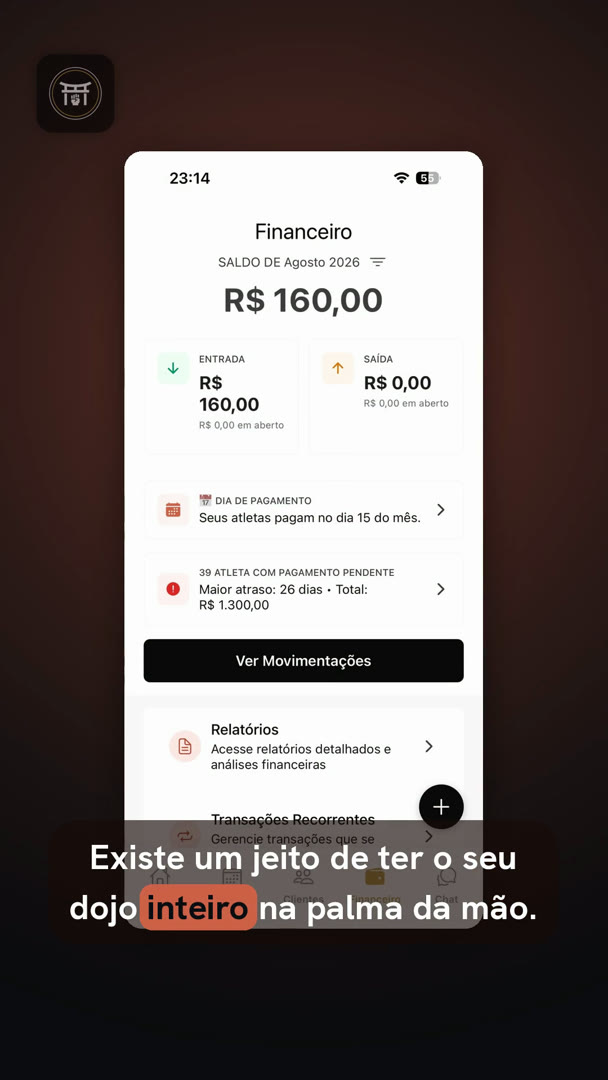
A management app, a photo app and Ads Factory itself — every ad generated from the product setup, with the real screens, with no editor and no freelancer.

Gym management app

These are test products and Ads Factory itself, not customers. There is no testimonial on this page: the proof is the ad for your app, which you watch before you pay.

We are just launching and have no customers to show yet. That is why the script and the preview are free: you judge by your own ad, before you pay.

Scene 07Who it is for

Who it is for, and who it is not for

It is for you if

  • you have an app on the App Store or Play Store, or a SaaS that is live;
  • you want to advertise and have no editor, no agency and no time to edit;
  • you are fine reviewing the script before generating.

It is not for you if

  • you want video with people on camera or custom art direction;
  • your product is not live yet;
  • you expect guaranteed sales. Ads Factory delivers the ad, not the conversion.

Scene 08Pricing

Cheap enough to actually test

The preview of your ad is free. To generate the video, subscribe — your first month is 50% off — and cancel on your own, from the portal, whenever you want.

  • Starter

    To test a hook

    50% off your first month

    $3.00/month

    first month · then $6.00 per month

    • 2 video ads per month
    • 15 posts or carousels per month
    • Up to 1 ad and 5 posts per day
    Get the Starter plan

    Renews monthly. Cancel anytime.

  • Recommended

    Monthly

    To keep the campaign running

    50% off your first month

    $9.50/month

    first month · then $19.00 per month

    • 10 video ads per month
    • 40 posts or carousels per month
    • Up to 5 ads and 10 posts per day
    Get monthly

    Renews monthly. Cancel anytime.

  • Weekly

    To launch

    50% off your first month

    $4.50/week

    first month · then $9.00 per week

    • 5 video ads per week
    • 15 posts or carousels per week
    • Up to 3 ads and 8 posts per day
    Get weekly

    Renews weekly. Cancel anytime.

7 days to change your mind and get a full refund. One email, no questions.

  • Three languages from one ad
  • Video and post editors
  • Your files, yours to use

Your allowance is per period and does not roll over. The daily cap protects your account from misuse — it is not a limit on honest work.

Scene 09Questions

What people ask before subscribing

Will it look AI-generated?

The video uses the real screens of your app, your logo and your colors, and no interface is made up. In the motion ad there is no AI-generated scene and no number you did not enter. And you see the script and the preview before you pay.

Does the AI make things up about my app?

In the motion ad, a number only gets in if you entered it; when a fact is missing, the script asks instead of inventing. And you review the script scene by scene before generating.

Does it work for a SaaS that is not in a store?

Yes. Paste the website link: the import reads the page and brings in the name, description, logo and colors; you upload the screens. And the end card closes with your domain instead of the store badges.

Which languages does the ad come in?

Portuguese, English and Spanish, each with its own voice-over. Pick one or all three on the same credit.

Can I run it on Google Ads, TikTok and Reels?

Yes, organic and paid, with no watermark from us. The file is yours. Today the format is 9:16, the one for Reels, TikTok and Shorts.

I only need one video. Is a subscription worth it?

The starter plan exists for that: it renews monthly and you cancel on your own from the portal, before the next charge. And the 7 days to change your mind apply to every plan.

How do I cancel and ask for a refund?

From the subscription portal, without talking to anyone. Within 7 days of the first charge you ask for your money back through the Refund Policy; after that, the plan runs until the end of the period you already paid for.

Watch the ad for your app before you pay

Paste the link, review the script and watch the preview for free. Like it, subscribe: your first month is 50% off.

It takes less time than reading this page.

7 days to change your mind and get a full refund. One email, no questions.

Ads Factory

Video ads and posts for people who have to test creative every week.

© 2026 Ads Factory. All rights reserved.

Ads Factory is a product of Allblack Teck · CNPJ 49.648.927/0001-21 · Praça Maranata, nº 03, Cordeiros/BA, CEP 46280-000